What to Look for in Personalized Adventure Books
See their cover preview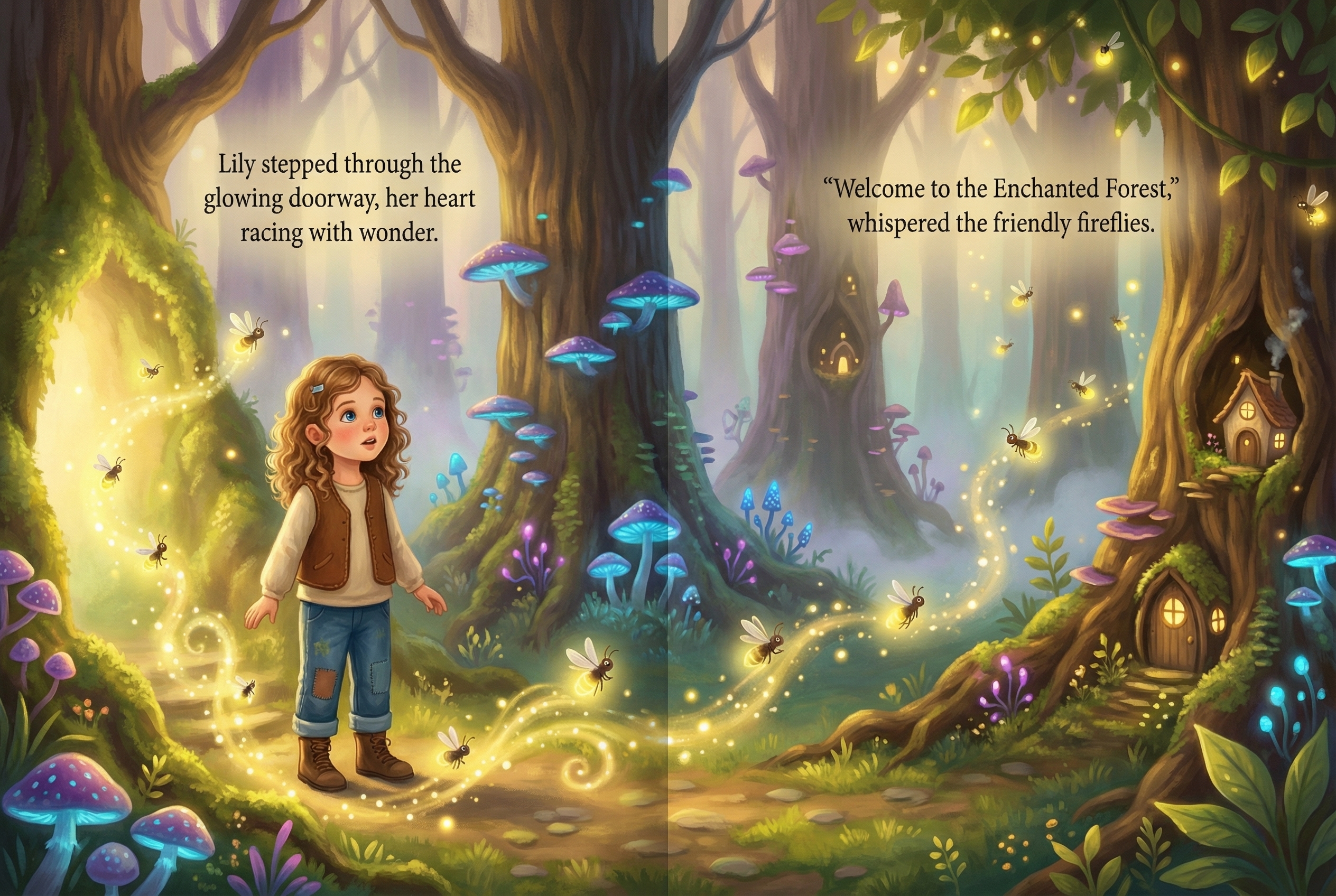
The best personalized adventure book for a child should make four buying decisions clear before you order: whether the theme fits the child, what personalization changes, what you can preview, and what happens before the book goes to print.
The short answer
Choose a personalized adventure book with an age-appropriate story world, a clear explanation of how the child is represented, a useful preview, and a review checkpoint before production continues. StorytimeHero starts with one clear child photo and a selected adventure direction, then shows a photo-inspired cover preview before checkout.
Four checks before you choose
Theme fit
Start with the world the child already talks about. The current StorytimeHero preview flow includes magical forest, space, underwater, and dinosaur adventure directions. Product choices can change, so confirm the live options in the preview instead of assuming a requested theme is available.
Age is a starting point, not a promise about how every child will respond. Younger children may prefer a familiar sidekick and a simple quest. Older children may want a stronger sense of agency and a more detailed adventure. Match the story tone to the child’s interests and reading routine.
Personalization depth
Ask what actually changes. A name-only book, a selectable avatar, and a photo-inspired illustrated hero are different products. A name can carry a dedication and make the story feel addressed to the child. An avatar can give the buyer control over visible traits. A photo-inspired workflow uses a clear child photo to guide an illustrated character inside the story world.
StorytimeHero uses the photo as inspiration for an illustrated hero. That is different from promising an exact likeness in every scene. The preview and production review are the right places to judge the result.
Preview confidence
A useful preview should help you decide whether the theme, spelling, and broad character direction feel right before you commit to a printed keepsake. StorytimeHero shows a photo-inspired cover preview after the buyer chooses a theme and adds a clear photo. Start there instead of relying on a generic product description.
Print and review readiness
Before print, inspect the child’s name, dedication, faces, hands, important story action, and text near the trim or centerfold. StorytimeHero’s public flow includes production review and customer approval before print handoff. That checkpoint is a practical part of the buying decision, especially for a gift.
How personalized adventure books differ
Public product flows from Wonderbly and Hooray Heroes show why the input and preview matter. Wonderbly’s public personalized-book pages use a name and chosen character flow with a book preview. Hooray Heroes’ public pages emphasize detailed character choices and family-oriented personalization. Those are useful comparison points, but features and availability can change, so verify the current product page before ordering.
Compare these variables across any adventure book:
- Whether personalization is name-based, avatar-based, or photo-inspired.
- Whether the child is the story subject, the visual hero, or one of several characters.
- How much of the book is visible before purchase.
- Whether a production review happens before print.
- The binding, trim, page format, and age guidance for the specific product.
A buyer decision guide
- Choose a name-led book when the name and dedication are the main keepsake details.
- Choose an avatar-led book when selecting visible character traits matters more than uploading a photo.
- Choose a photo-inspired adventure when seeing an illustrated version of the child inside a chosen world is central to the gift.
- Pause before checkout when you cannot tell what will be previewed, what format is printed, or when the review checkpoint happens.
How the StorytimeHero adventure flow works
- Choose an available adventure direction.
- Add one clear, well-lit photo with one child visible.
- Review the photo-inspired cover preview.
- Continue only if the theme and broad character direction feel right.
- Review the produced storybook before it moves to print.
For a stronger preview signal, avoid group shots, heavy shadows, sunglasses, and strong filters. Photo guidance improves the input signal, but it does not create an exact-likeness guarantee.
Start a personalized storybook preview to inspect the first decision point for yourself.
What to inspect before print
Use this short review checklist:
- Confirm the child’s name and dedication are spelled correctly.
- Check that the selected theme and story direction match the gift occasion.
- Inspect faces, hands, and important story action.
- Keep key text and focal details away from trim and the centerfold.
- Treat the artwork as photo-inspired illustration rather than a promise of exact likeness.
Frequently asked questions
Related reading
Free preview checklist
Plan their adventure book
Get a short checklist for choosing the photo, story theme, dedication, and preview details.