How to Choose Personalized Adventure Books for Kids
See their cover preview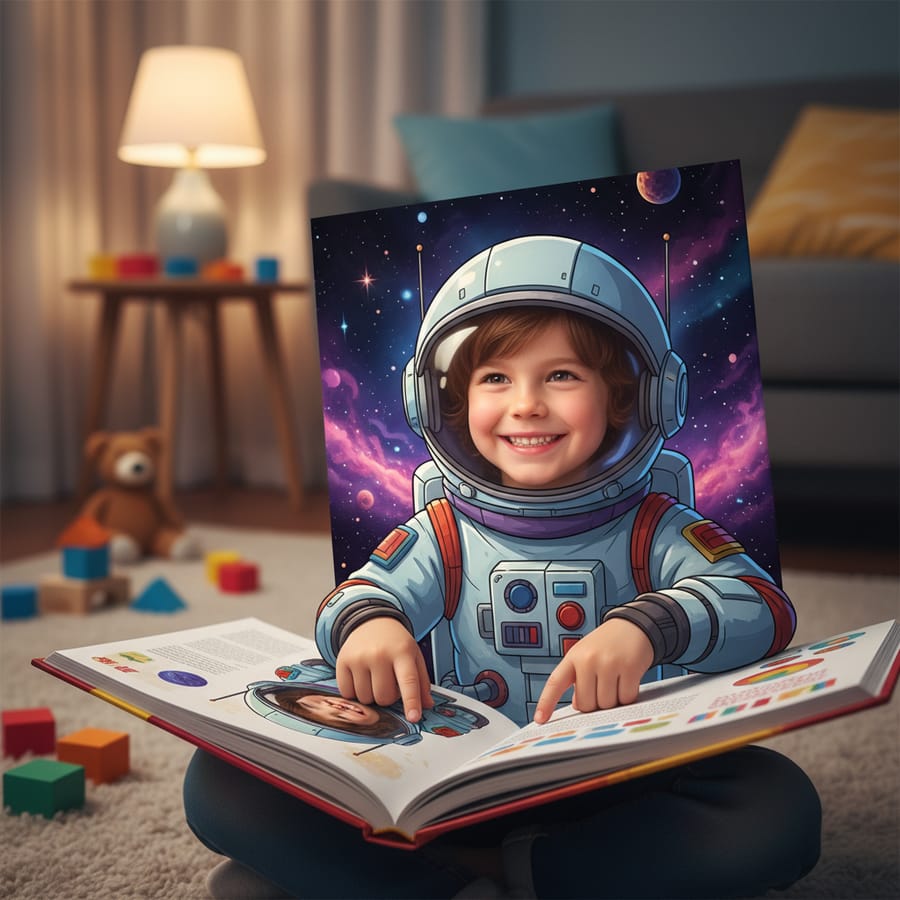
Personalized adventure books are easiest to choose when you can answer four questions before ordering: Does the theme fit the child, what does the photo change, can you preview the direction, and what review happens before print?
The short answer
For a child who wants to be the hero, look for a personalized adventure book with a clear age fit, a theme the product currently supports, a photo-inspired character preview, and a review checkpoint before production continues. StorytimeHero’s flow starts with one clear child photo and a selected adventure direction, then shows a cover preview before checkout.
Four checks before you choose
Theme fit
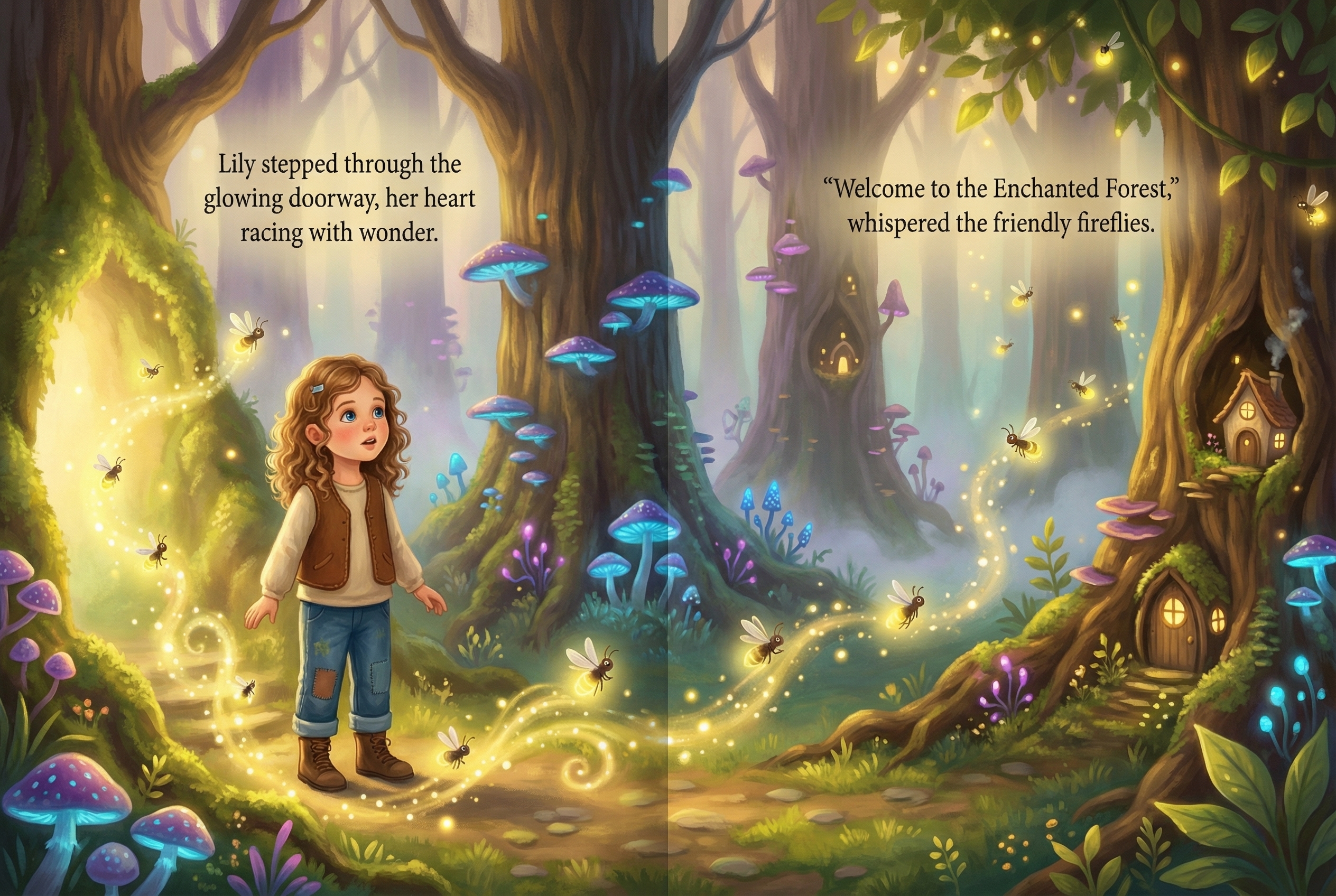
Choose the story world first. The current StorytimeHero preview flow includes magical forest, space, underwater, and dinosaur directions. Availability can change, so confirm the live choices in the preview rather than assuming a requested character or setting is offered.
Personalization depth
Ask whether the book changes only the child’s name, a selectable avatar, a dedication, or the visual hero as well. A photo-inspired illustrated hero gives the buyer a different kind of recognition than name-only personalization. It is still an illustration, not a guarantee of an exact likeness in every scene.
What to compare across adventure books
Public adventure-book product pages commonly differ in the personalization input, the amount of the book shown before purchase, and the point where the buyer can inspect the result. Some lead with a child’s name and selected character, while others show a full-book preview. StorytimeHero’s decision point is a photo-inspired cover preview before checkout, followed by a production review before print. Check the live flow for the current theme choices, photo requirements, and review step instead of assuming every platform works the same way.
Preview confidence
A useful preview should show enough to judge the visual direction before a full book is produced. StorytimeHero shows a personalized cover preview after the buyer chooses a theme and adds a clear photo. That lets you check the spelling, broad character direction, and theme fit before deciding whether to continue.
Print and review readiness
Before print, inspect the child’s name, dedication, faces, hands, important story action, and text near the trim or centerfold. StorytimeHero’s public flow includes production review and customer approval before print handoff. That checkpoint matters more than a dramatic product promise.
How the adventure flow works
- Choose the adventure direction that fits the child’s interests and age.
- Add one clear, front-facing child photo with good lighting.
- Review the photo-inspired cover preview before checkout.
- Review the produced storybook before it moves to print.
The photo guides the illustrated character, while the selected theme sets the story world. The result is designed to be judged through the preview and review steps rather than accepted on faith.
A buyer decision guide
- Choose a name-led book when the name and dedication are the main keepsake details.
- Choose an avatar-led book when selecting visible traits matters more than uploading a photo.
- Choose a photo-inspired adventure when the child seeing an illustrated version of themself in a chosen world is central to the gift.
- Pause before checkout when you cannot tell what will be previewed, what format is printed, or when the review checkpoint happens.
Frequently asked questions
Related reading
Free preview checklist
Plan their adventure book
Get a short checklist for choosing the photo, story theme, dedication, and preview details.