Can I Preview the Book Before Purchase?
Create a preview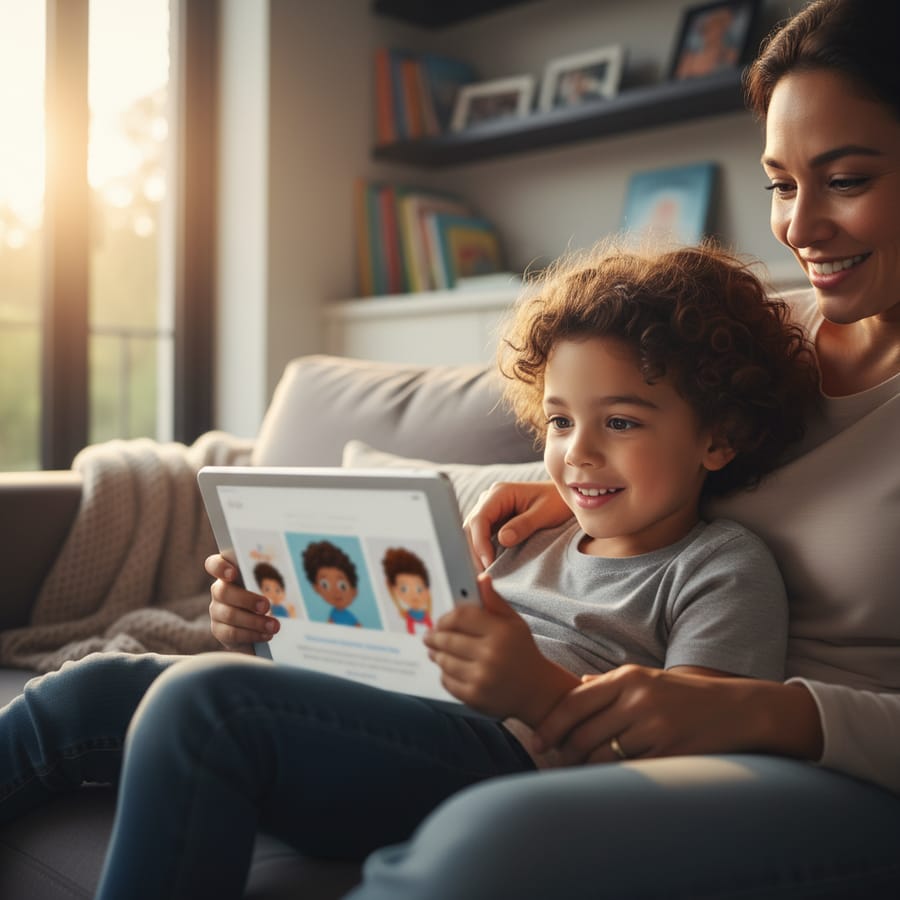
We have all been there. You find the perfect gift online, you enter your credit card details, and then you spend the next week nervously checking the porch, hoping the actual product looks at least half as good as the pictures on the website. When it comes to our children, we want everything to be perfect. If you are looking into a custom story where your child is the star, the first question on your mind is likely: Can I preview the book before purchase? You want to see how your child’s face looks in those magical AI-generated illustrations and make sure the story flows just right before you commit.
Why You Should Always Ask: Can I Preview the Book Before Purchase?
When you are buying a standard book from a local shop, you can flip through the pages, feel the paper, and read a few chapters to see if it’s a good fit. With personalized storybooks, the process is a bit different because the book doesn't actually exist until you help create it. This is why a preview is so important.
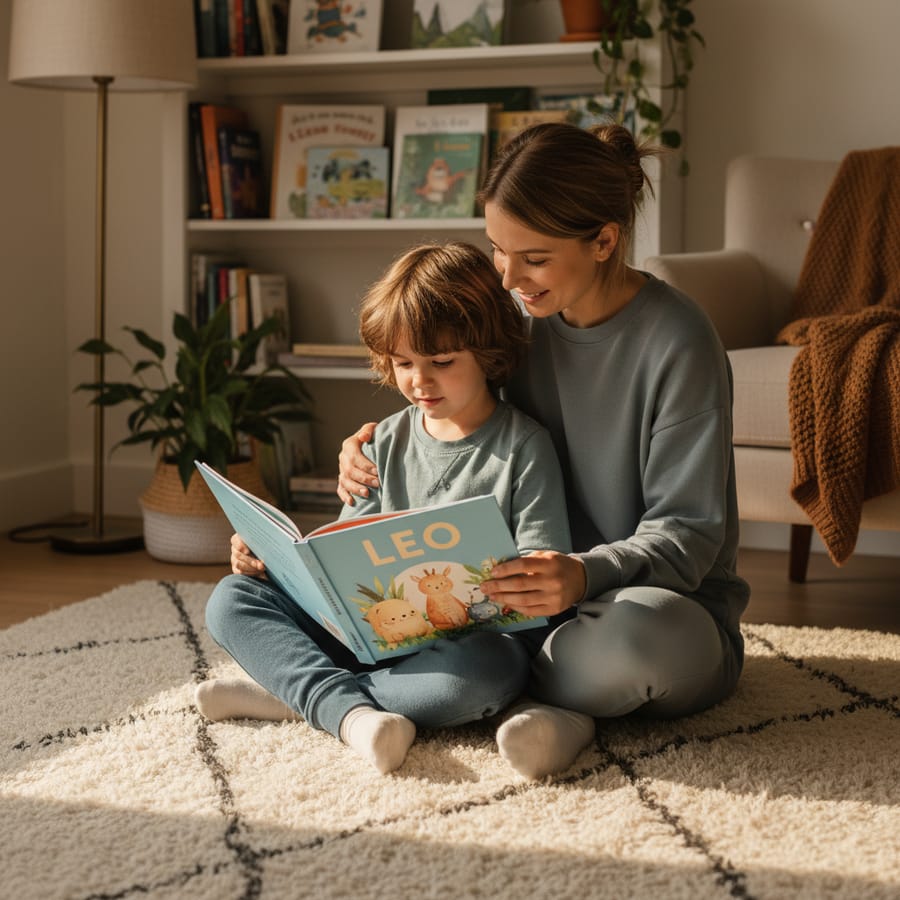
A preview gives you peace of mind. It allows you to see if the photo you uploaded worked well with the AI technology. Sometimes a shadow on a face or a blurry background can make the illustration look a little "off." By seeing the digital version first, you can catch these small issues. It also lets you check for any spelling errors in the name or details you provided. Nothing ruins a magical reading moment faster than seeing your child's name misspelled on the very first page!
Furthermore, a preview helps you understand the "vibe" of the story. Is it too scary? Is it too simple? By looking at the pages beforehand, you can ensure the content matches your child's current reading level and interests. It turns a "fingers crossed" purchase into a confident investment in your child's library.
How Digital Previews Work for Personalized Stories
The magic behind StorytimeHero.ai involves some pretty advanced technology, but the preview process is designed to be simple for parents. Once you upload a photo of your child, our AI goes to work. It doesn't just "paste" a photo onto a cartoon body. Instead, it learns the unique features of your child—their smile, the shape of their eyes, and their hair—and weaves those features into the artwork of the story.
The Role of AI in Your Preview
When you ask, "Can I preview the book before purchase?" you are really asking to see how the AI interpreted your child’s likeness. The preview shows you a digital mockup of the finished product. This digital version is usually a high-resolution representation of what will eventually be printed on high-quality paper.
Instant Gratification
In most cases, these previews are generated quite quickly. You don't have to wait days to see the results. You can often see your child as a brave knight, a space explorer, or a magical fairy within minutes. This instant feedback allows you to play around with different photos if the first one doesn't look quite right. It makes the creation process feel like a fun collaboration between you and the technology.
The Benefits of Asking "Can I Preview the Book Before Purchase?"
There are several practical reasons why seeing the book first is a game-changer for parents. It isn't just about the art; it's about the entire experience of personalized bedtime stories.
- Ensuring a True Likeness: AI is amazing, but it’s not perfect. A preview lets you confirm that the hero in the book actually looks like your little one. If the AI accidentally gave them the wrong eye color because of a lighting issue in the photo, you’ll see it in the preview first.
- Checking the Story Flow: You want to make sure the adventure makes sense. Reading through the digital pages allows you to see how the plot develops and how your child’s character interacts with the world around them.
- Visualizing the Final Product: It can be hard to imagine how a 2D photo becomes a 30-page adventure. The preview bridges that gap. It shows you the layout, the font size, and how the illustrations sit on the page.
- Confidence in Gift-Giving: If you are buying this for a niece, nephew, or a friend’s child, you want to be 100% sure it’s a "wow" gift. Seeing the preview ensures you won't be embarrassed when they open it at the birthday party.
Being able to answer "yes" to the question "Can I preview the book before purchase?" removes all the risk. It allows you to focus on the joy of the gift rather than the anxiety of the "what ifs."
What to Look for When You Preview Your Custom Book
When you get that digital preview link, don't just skim through it. Take a few minutes to really look at the details. This is your chance to be the editor-in-chief of your child’s own adventure.
Check the Facial Features
Look closely at the illustrations. Does the character have your child’s signature smirk? Does the hair color look accurate? Our AI is designed to capture the essence of the child, but the quality of the original photo matters. If the preview looks a bit grainy, you might want to try a photo with better lighting. Understanding how AI creates your child's face can help you choose the best possible starting image.
Read Every Word
It sounds obvious, but many parents get so caught up in the beautiful pictures that they forget to read the text. Check the spelling of the name on every page. Make sure the pronouns are correct. If you included a custom dedication at the beginning, read it aloud to make sure it sounds the way you intended.
Look at the Backgrounds
The AI-generated world should be just as engaging as the character. Look at the colors and the scenery. Does the world feel immersive? The best personalized books have rich, detailed backgrounds that give you and your child things to talk about on every page. "Look at that purple tree!" or "Do you see the tiny dragon hiding in the corner?" These details are what make a book a favorite for years to come.
Why Storytime Hero Offers a Clear Path: Can I Preview the Book Before Purchase?
At StorytimeHero.ai, we believe that transparency is the key to a great experience. We know that these books are more than just paper and ink; they are keepsakes. They are tools to help with the benefits of reading for kids, such as building confidence and improving literacy.
Because we use cutting-edge AI to create realistic illustrations, we want you to be part of the process. We don't want you to wonder what you’re getting. Our platform is built around the idea that you should see the magic before you pay for it. This commitment to quality is why so many parents trust us for their best gifts for toddlers and school-aged children.
We have seen firsthand how a child’s face lights up when they see themselves in a book. It’s a powerful moment that builds a love for reading. By providing a preview, we ensure that the moment is perfect. You can adjust the photo, tweak the details, and make sure that the "Hero" in the story is exactly who they are supposed to be.
Practical Tips for Getting the Best Preview Results
If you want your preview to look like a masterpiece on the first try, follow these simple tips. The better the input, the better the AI output!
- Use Natural Light: Take your child’s photo near a window during the day. Avoid harsh flashes or dark rooms. Natural light helps the AI see the true colors of their eyes and skin.
- Clear Face, No Filters: As much as we love those "dog ear" filters on social media, the AI needs a clean, unfiltered photo to work its magic. Make sure their face isn't covered by a hat, large sunglasses, or a pacifier.
- Eye Level is Best: Try to take the photo at your child’s eye level rather than looking down at them. This gives the AI a better perspective for creating the illustrations.
- High Resolution Matters: Avoid using a screenshot of a photo or a blurry image. The higher the quality of the file, the sharper the illustrations will be in your preview.
- Check the Background of the Photo: While the AI will replace the background, a busy or cluttered background can sometimes make it harder for the software to "cut out" the child’s head and hair accurately. A plain wall or a simple outdoor background works best.
Making the Most of the Preview Experience
Once you have your preview, involve your child if they are old enough! While some parents like to keep the book a total surprise, others find that showing the child the digital preview gets them incredibly excited for the physical book to arrive.
You might say, "Look, someone is writing a story about a brave explorer who looks just like you! What do you think of this outfit?" It turns the purchase into a shared family activity. It also reinforces the idea that they are the hero of their own story, which is a great boost for their self-esteem.
If you are buying the book as a surprise, use the preview to show your spouse or a grandparent. It’s a great way to get a second opinion. Sometimes a partner will notice a small detail you missed, like "Oh, we should use that photo where his hair is messy, it's so much more like him!"
Frequently Asked Questions
Related Reading
- How Personalized Books Improve Childhood Literacy
- Choosing the Best Photo for AI Storybooks
- The Science Behind AI-Generated Children's Illustrations
- Unique Birthday Gift Ideas for 5-Year-Olds
- How to Create a Bedtime Routine Your Child Will Love
- Why Representation in Children's Books Matters
- Comparing Hardcover vs. Softcover Personalized Books
Free preview checklist
Get the personalized book gift checklist
Know what photo to use, what to write in the dedication, and what to review before ordering.